No scrolling, no feeds
Kids use voice instead of a screen. The device is built around a few physical buttons and one clear contact at a time.
A simple walkie-talkie for kids to talk with trusted family, listen to stories, and chat with parent-approved AI companions.
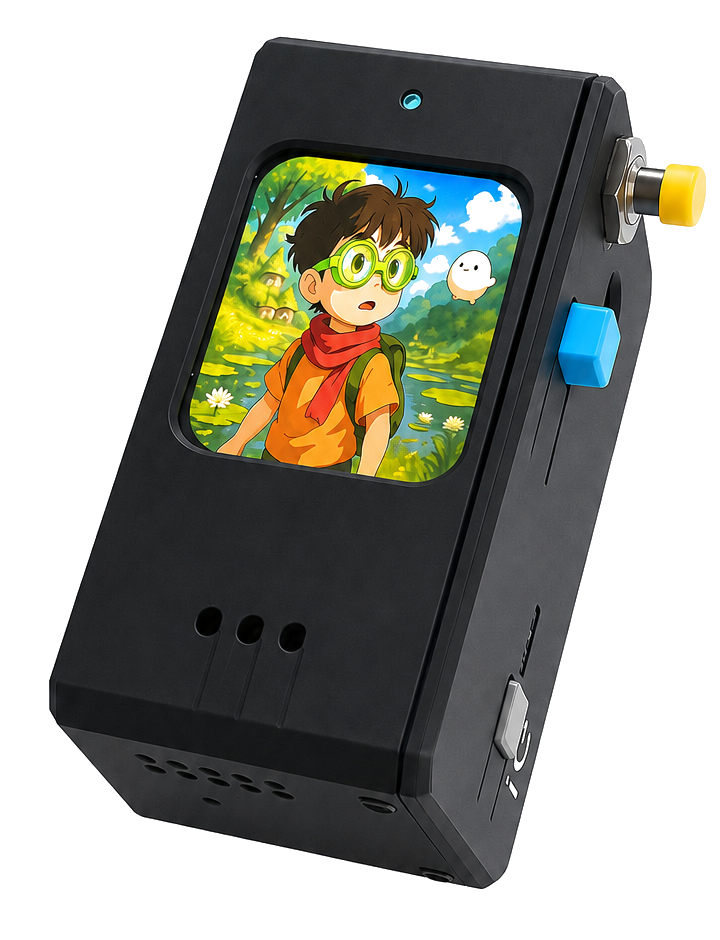
Tala keeps the interface tiny and the family controls clear: kids press, talk, and listen while parents manage who is available.
Kids use voice instead of a screen. The device is built around a few physical buttons and one clear contact at a time.
Only approved people and companions appear. The parent portal is where families add contacts, stories, and AI profiles.
Messages route securely through the server, so a child can talk across rooms or across countries without a phone plan.
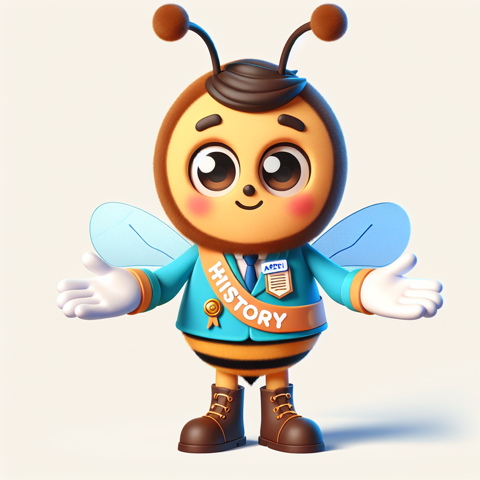
Quiz games and curious questions.
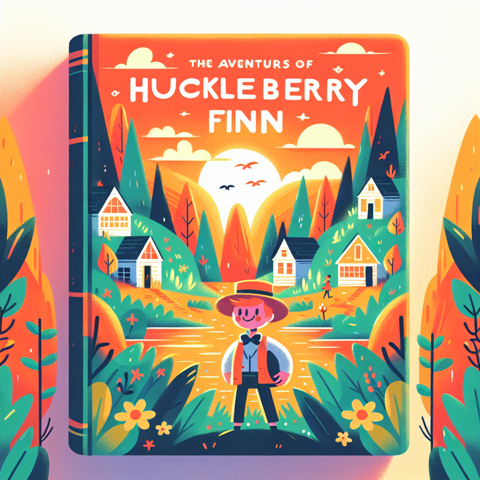
Read-aloud adventures and chapter chats.

Magical quests and playful storytelling.

Playful prompts for imagination.
Create characters for history quizzes, bedtime stories, language practice, or playful conversations. Kids choose a contact and speak naturally.
Set up a story guide, quiz master, language helper, or audiobook from the portal.
Each companion has instructions and appears only for the child profiles you approve.
The walkie streams voice to the server and plays replies back through the speaker.
Turn on a walkie-talkie, connect it to WiFi, and set up a child profile. Then it is ready to talk.
The device shows setup instructions when it needs a network, then reconnects automatically during normal use.
Choose or create the child profile that will use this walkie-talkie.
The child can choose who to talk to, listen to stories, and chat with approved AI companions.
Open the parent portal to manage profiles, contacts, AI companions, audiobooks, and Tala credits.
Go to Parent Portal